Smart Home Shade Integration in Shelbyville
Protocols, hubs and what happens when a bridge dies
A quick summary before the details: this is a made-to-order product, measured in the home and built to your numbers. The answers here explain what that means for pricing, timing and what happens if something fails.
- Service: Smart Home Shade Integration for Shelbyville homeowners
- Service area: Shelbyville, IN and surrounding areas We schedule measures promptly and we're honest about what comes after. Your product is manufactured to your dimensions, which takes weeks rather than days, and that applies to every custom line we sell.
- Insured and bonded
- Serving Shelbyville, IN since 2008
Expert Smart Home Shade Integration for Shelbyville Homes
Integration is the layer above the motor. It decides what talks to what, and it's where most of the regret on an automated job comes from. Shelbyville's newest houses are the natural candidates. Summerfield's two story plans run up to the 2,904 square foot Lyndurst, Isabelle Farms tops out at the 3,198 square foot Empress, and a house that size puts enough distance between the controller and the far bedroom to make protocol choice an engineering decision rather than a preference. Only 165 Shelbyville homes were built in 2020 or later, so this is a small segment of a city of 21,204, and it's growing.
Protocols behave differently and none is universally right. RF is point to point and simple. Zigbee, Z-Wave and Thread build a mesh where each mains powered device extends the network, which helps across a 3,198 square foot Isabelle Farms Empress and does nothing if every device runs on batteries. Matter is a common language across ecosystems rather than a radio of its own. The risk nobody mentions at the sale is the hub. If the bridge your shades depend on reaches end of life and the maker stops supporting it, the shades won't stop moving, but the scenes and the app control can. Ask about local control before you commit.
Signs You Need Smart Home Shade Integration
If you notice any of these in your Shelbyville home, it is worth booking a measure. None of it is urgent, and none of it fixes itself either.
Every shade stays closed on a bright January day
Motorized shades came with the house and nothing pairs
West glare hits the same hour every afternoon
Guests hunt for a wall button that isn't there
The provider swapped your router and the bridge went quiet
Your lighting system shows a shade page that does nothing
Only one person here knows how to run the shades
You already run a platform and shades are the gap
The app works but nobody else can operate anything
A hub was discontinued and control went with it
How Shelbyville Window Treatments Handles Smart Home Shade Integration
Every job follows the same five-step process. Transparent, thorough, and done right the first time.
Repeater locations planned and powered
Power method chosen per shade
Handover walkthrough at the house
Sun exposure logged per opening
Written record of hubs and battery dates
Smart Home Shade Integration in Shelbyville
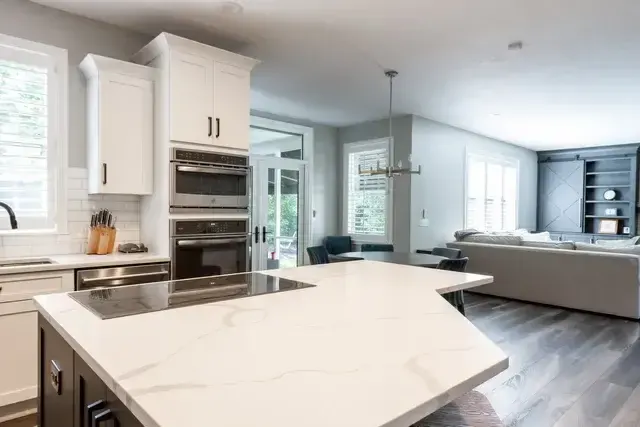
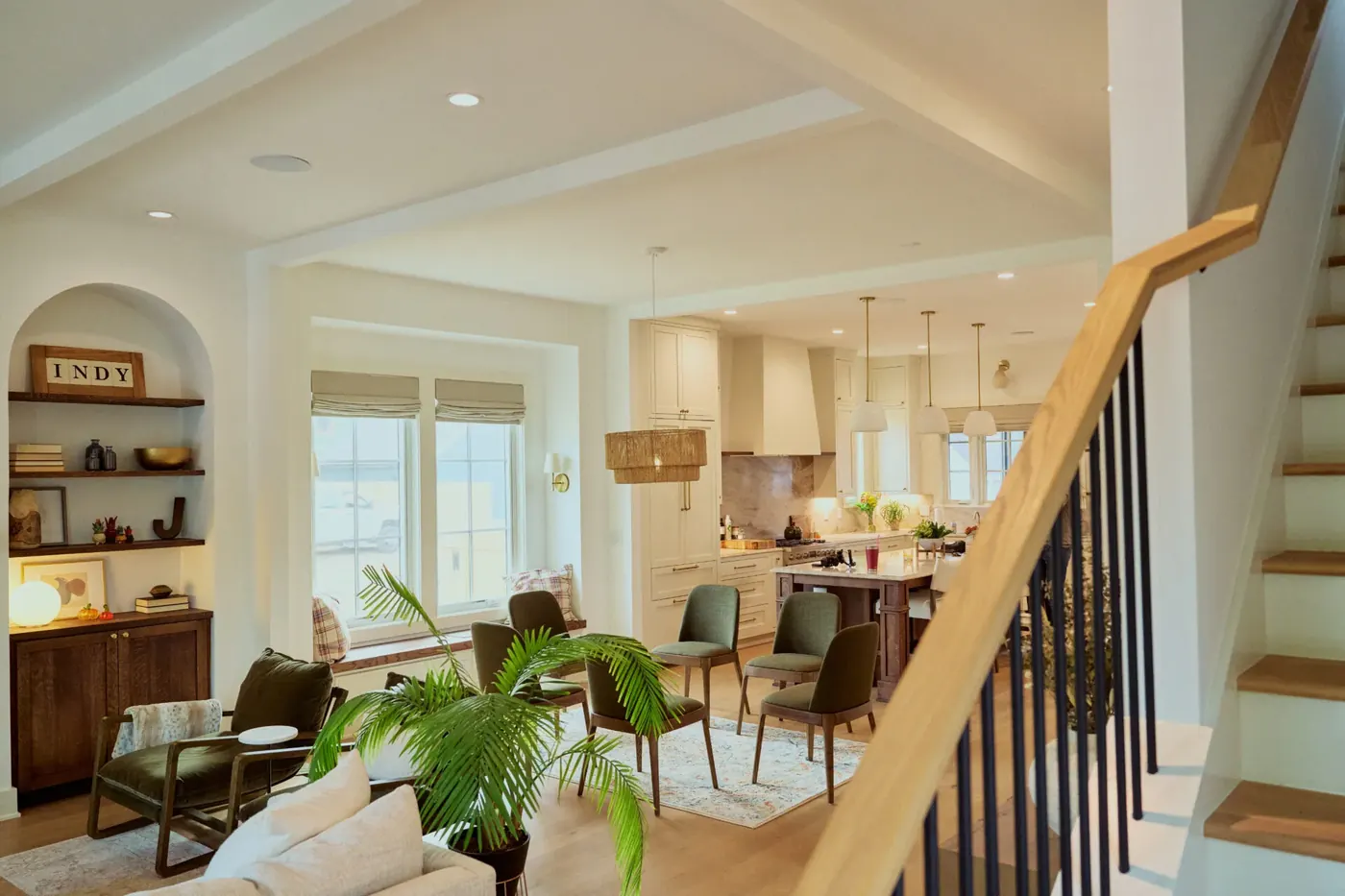
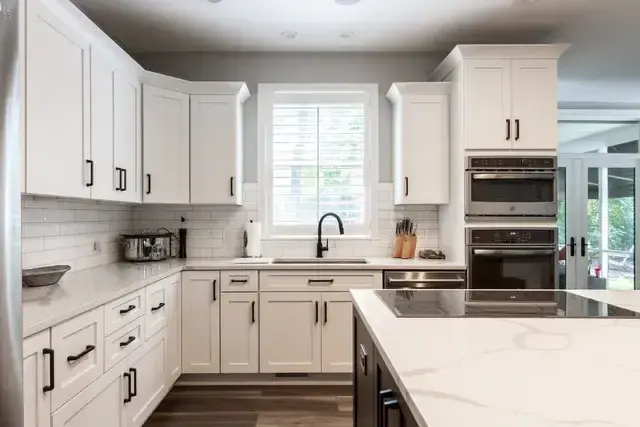
Photographs from real smart home shade integration jobs completed by our crew in Shelbyville and surrounding areas.
What Smart Home Shade Integration Includes
Every Shelbyville job is documented item by item. Here is what the crew covers.
The house's existing network and automation platform documented before a single motorized shade is specified
Protocol decided first: RF, Zigbee, Z-Wave, Thread or Matter, since they don't route, range or recover the same way
Hub and bridge requirements written down per protocol, including whether the manufacturer's own bridge is mandatory
Signal path walked from the hub to the furthest opening, floor by floor, before hardware is ordered
Repeater locations planned and powered on the drawing rather than added later when a shade won't answer
Masonry, metal and long runs flagged as the things that actually eat range in a house
Groups and scenes defined with the household before pairing, so the system arrives configured instead of blank
Schedules built on an astronomical timer where sun position matters more than clock time
Sun sensor placement chosen per elevation, since a sensor on the wrong wall automates the wrong window
Cloud dependency identified for every product, so you know which features stop if an account or a service goes away
Local fallback control specified for every shade, a handheld remote or a wall keypad that works with the network down
Power decided opening by opening, because a shade over a stair and a shade behind a sofa don't want the same answer
Battery replacement interval disclosed in writing before purchase, not after the first flat motor
Travel limits set at commissioning and rechecked after the fabric relaxes
Voice assistant integration confirmed against the actual product, not against a logo on a box
End-of-life risk explained plainly, because a discontinued hub can strand shades that still work perfectly
A contract naming the hardware, the platform and the total price before anything is ordered, as IC 24-5-11 requires above $150
Handover session run at the house with the app, the remotes and the scenes tested in front of you
What Smart Home Shade Integration Costs in Shelbyville
The published national range for motorized window coverings is roughly $300 to $1,500 per window installed. That figure covers the shade and its motor. It doesn't cover the layer that makes a house in Shelbyville actually automated, and treating those as one number is how budgets go wrong. The control layer is hubs, bridges, repeaters, keypads, sensors and the commissioning time to pair and program all of it, and it prices per project rather than per window because a twelve shade house and a four shade house can need the same hub. Shelbyville Window Treatments quotes the shades per opening and the integration separately, so you can see which part of the Shelby County number is fabric and hardware and which part is the system around it.
How Smart Home Shade Integration Differs by Product
Every product in this trade behaves differently in a room. Here is what that means for this work.
Proprietary RF: The manufacturer's own radio, usually paired to its own remote and bridge. It's the most reliable option inside its own ecosystem and the least flexible outside it. If the plan is one brand of shade and nothing else, this is often the right call.
Zigbee: A low-power mesh where mains-powered devices relay for battery ones. Battery shades typically don't repeat, so the mesh has to be built from other powered devices in the house. Coordinator choice matters, since not every Zigbee hub speaks to every shade.
Z-Wave: A mesh on a lower frequency than Zigbee, which generally means better behavior through interior walls and less crowding from Wi-Fi. Device counts per network are bounded, and older gear may sit on an earlier generation than the hub expects.
Thread: A newer low-power mesh built around border routers, with powered devices doing the relaying. It's the transport under a lot of current Matter hardware. The practical question is always which border router is on site and whether it's one you control.
Matter: An application layer rather than a radio, riding on Thread or Wi-Fi. It's what lets one shade answer to more than one platform. Support is uneven by product and by firmware, so we verify the specific model rather than trusting the logo.
Hub and bridge: The box that translates between your shades and your phone or your platform. It's also the single point that decides whether the system survives a decade, which is why we ask about the manufacturer's track record on discontinued products before we spec one.
Repeaters: Powered devices that extend the radio to the far end of a house. On a plan with masonry between the hub and a back bedroom, a repeater isn't an upgrade, it's the difference between a shade that answers and a shade that doesn't.
Scenes and schedules: Named positions for groups of shades, fired by a button, a time or the sun. This is the part people actually live with, and it's the part most installs skip. A system handed over with no scenes is a set of expensive manual shades.
Sun sensors and astronomical timing: A sensor reads real light on a real elevation. An astronomical timer follows sunrise and sunset through the year rather than a fixed clock. Together they stop the west shades closing at four in December because that's what somebody programmed in June.
Local control fallback: A handheld remote or a hardwired keypad that talks straight to the motor without the app, the network or the internet. We put one in every job. It's the thing that keeps a shade usable on the day the router dies or the account gets locked out.
Smart Home Shade Integration FAQ
Questions we hear most often from Shelbyville homeowners considering smart home shade integration.
Smart Home Shade Integration Across Shelbyville
We measure and install in every one of these Shelbyville neighborhoods. Each has its own page with the build eras, window conditions and mounting notes for that section.
- Smart Home Shade Integration in West Side Historic District
- Smart Home Shade Integration in Shelbyville Commercial Historic District
- Smart Home Shade Integration in Bear Run
- Smart Home Shade Integration in Isabelle Farms
- Smart Home Shade Integration in Summerfield
- Smart Home Shade Integration in Twelve Oaks
- Smart Home Shade Integration in Blue River Park
- Smart Home Shade Integration in Shelbyville's older platted additions
Other Window Treatment Services in Shelbyville
Shelbyville Window Treatments handles the full scope of window treatment work. Explore our other services below.
Faux Wood Blinds in Shelbyville
Moisture proof slats for Shelbyville baths, kitchens and rentals
Learn more →Wood Blinds in Shelbyville
Basswood slats matched to Shelbyville's pre-1940 stained trim
Learn more →Vertical Blinds in Shelbyville
Slider and wide window coverage that stacks clear of the door
Learn more →Schedule Your Free In-Home Measure in Shelbyville
Reach Us Directly
Our team prioritizes scheduled measures and service calls, and books in-home measures during business hours.
Ready to Book Your Measure?
Call us to set up an in-home measure, or to ask about a treatment that has stopped working. We will talk it through on the phone first.